What is Electronic Kanban (E-Kanban) and How It Works
Electronic kanban (also called e-kanban, ekanban, digital kanban or digitized kanban) is the digital evolution of traditional kanban. This evolution happens through the adoption of software known as “electronic kanban implementation software,” or simply “electronic kanban software.”
Once implemented, electronic kanban allows a company to enhance its physical kanban system with the benefits of digitalization, which make it possible to:
- Automate the kanban process, improving communication, accuracy and efficiency
- Overcome the limits of traditional kanban, such as the complexity of managing multi-process operations
- Extend the benefits of kanban to the entire supply chain, including external suppliers and customers
At a Glance
- What electronic kanban is: the digital version of the kanban system, based on barcoded kanban cards and software.
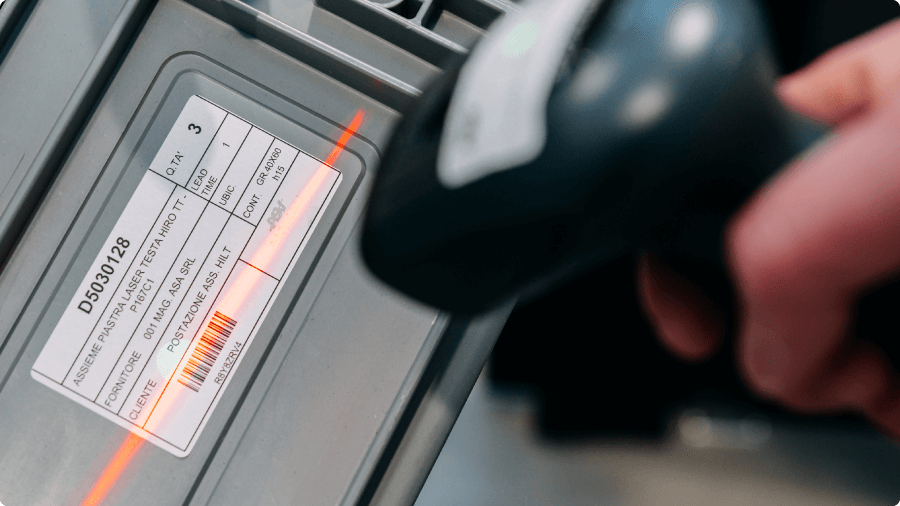
- How it works: when a bin is empty, the operator scans the barcode on its card. The software records the consumption and sends the replenishment request to the supplying process in real time.
- Why choose it: instant reorders, real-time data and visibility on inventory, consumption, stockouts and issues, no more lost cards, and easier kanban sizing maintenance.
- Who it’s for: companies with many part numbers managed with kanban or with hybrid models, or that want to simplify kanban management, including by connecting external suppliers and/or customers.
What Is a Traditional Kanban System?
To best explain what electronic kanban is, we need to start with traditional kanban.
Traditional kanban, also called manual kanban or simply kanban, is a powerful tool for managing the material replenishment process. It was developed at Toyota in the 1950s as part of the Toyota Production System and is one of the core tools of lean material and production management.
Traditional kanban relies on paper cards (called kanban cards) attached to the outside of the bins that hold the materials a company manages (raw materials, semi-finished goods, components, etc.). When a bin is emptied, the operator removes the kanban card and hands it to the internal supplier to signal that the material needs to be replenished.
To learn more about how replenishment works with traditional kanban, read our detailed article: Kanban inventory management: what it is and how it works.
Kanban systems, whether traditional or electronic, are highly adaptable and can be applied across many business areas:
- Purchasing kanban, to coordinate material replenishment from external suppliers
- Sales kanban, to manage inventory allocated to customer orders
- Move kanban, to manage internal logistics and material transfers between plants or areas
- Production kanban, to synchronize production activities with actual market demand
Over time, this approach lowers inventory levels, stabilizes production flows and minimizes waste.
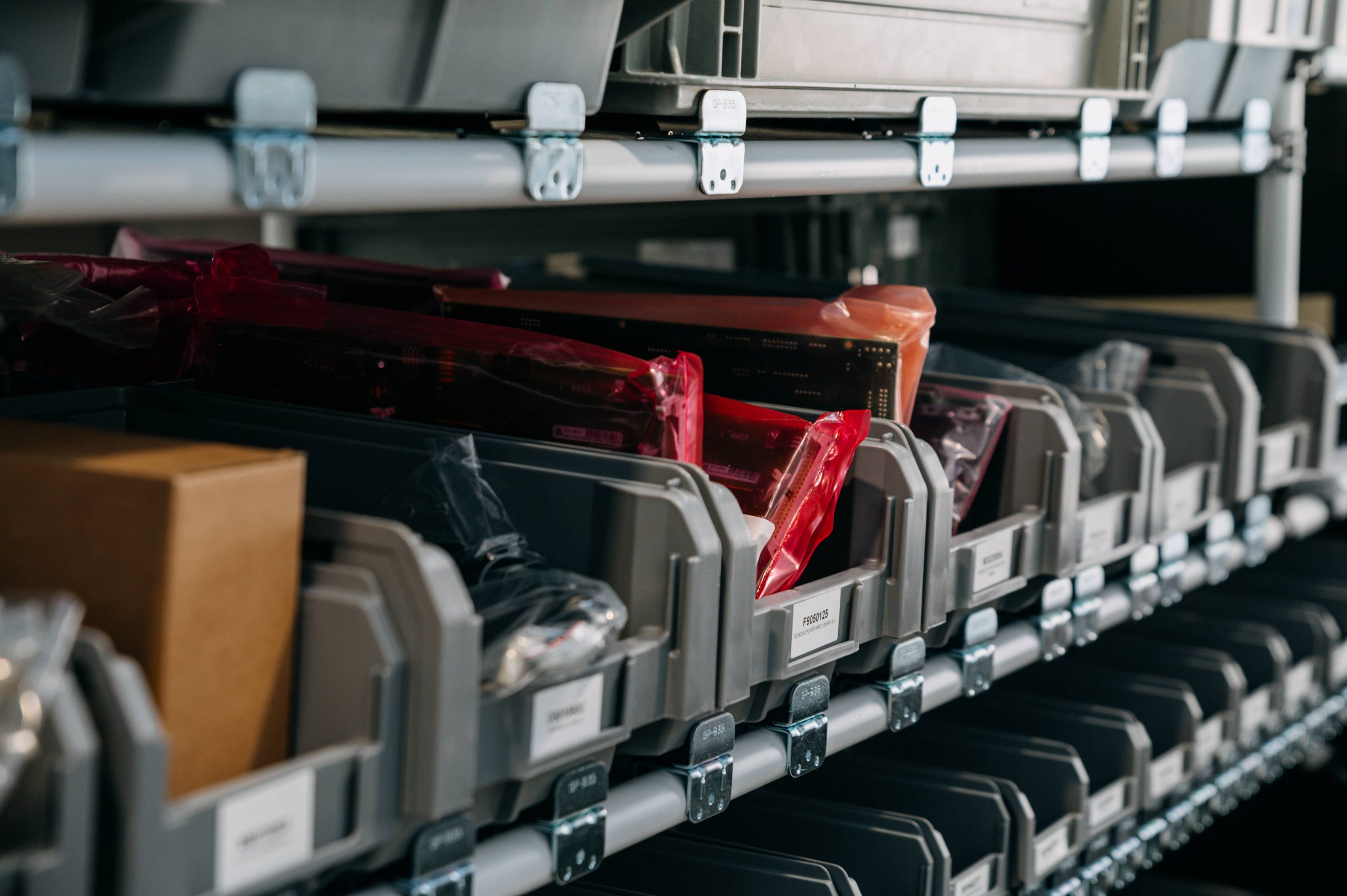
What Are the Limits of Traditional Kanban?
Despite its many benefits, traditional kanban has limits, especially as the number of part numbers and/or the complexity of operations grows (e.g., multi-process or multi-plant operations). The main ones are:
- Communication barriers: extending traditional kanban to external suppliers or other plants requires additional channels such as email, and the system loses its simplicity.
- Scalability issues: managing a growing number of part numbers takes more time, space and staff, and increases the risk of errors and inefficiencies.
- Lost or damaged cards: if a card gets lost, the reorder is never triggered and the material is at risk of a stockout.
- Lack of data: with a manual system, it’s hard to track inventory levels, replenishment trends and performance, all of which are essential for making sound supply chain decisions.
That’s why, as a company grows or works with an expanding supplier network, traditional kanban becomes hard to sustain, and it’s time to consider switching to electronic kanban.
How Does Electronic Kanban Work?
Electronic kanban doesn’t replace traditional kanban; it enhances it. The physical handling of materials (organized in bins with kanban cards) stays the same, with a few differences:
- The card on each bin also carries a unique barcode
- Operators are given a device that can scan the barcode
- Internet-connected screens are installed on the shop floor, so operators and/or managers can access the electronic kanban software and see the replenishment requests they are responsible for
In practice:
- When an operator empties a bin, they scan the barcode on its card
- The scan is recorded in the software, which sends the replenishment request to the screen of the internal or external supplier
- The supplier prepares the material, delivers it to the customer process and confirms in the software that the material has been replenished
The result: instant communication, minimal manual errors and full traceability for every card.
Traditional Kanban vs. Electronic Kanban: Key Differences
The main difference is how the reorder signal travels: by hand with a paper card, or digitally and in real time with electronic kanban.
| Feature | Traditional kanban (non-digital) | Electronic kanban (e-kanban or digital kanban) |
|---|---|---|
| Reorder signal | Paper card delivered by hand | Barcode scan, instant signal |
| Lost cards | High risk | Very low risk: every card is tracked |
| Communication with external suppliers | Requires email, phone or dedicated portals | Suppliers receive reorders directly in the software |
| Multiple plants | Hard to manage | Managed in a single system |
| Data and KPIs | Missing or collected manually | Automatic collection of consumption history, replenishment lead times, inventory levels and statistics |
| Integrations | None | ERP, WMS, AGVs, RFID systems, business intelligence tools such as Power BI, automated warehouses, electronic shelf labels, Industry 4.0 machinery |
What Are the Benefits of Electronic Kanban?
Traditional kanban works best in a single plant or in small-scale production. Electronic kanban, by contrast, is the ideal solution when there are multiple plants or stakeholders, including suppliers, production teams and distribution networks.
The main benefits are:
- Instant, error-free reorders: by turning physical signals into digital data, electronic kanban automates kanban material management, reduces the risk of human error and ensures the replenishment signal is triggered exactly when needed.
- Complete visibility: it provides full visibility into replenishment and inventory, aligning them with actual consumption, and delivers real-time information on inventory levels and supply chain performance.
- Scalability: it’s the ideal solution for companies that want to grow, add part numbers, departments or plants, and adopt new technologies.
- Integration with other systems: it integrates with ERP (Enterprise Resource Planning) systems, warehouse management software (WMS, Warehouse Management System), automated guided vehicles (AGVs), RFID tracking systems and data analytics tools such as Power BI.
At Oleodinamica Marchesini, switching to electronic kanban reduced inventory value by €1 million in 6 months, and the space once used for the single highest-turnover item now holds the stock behind half of the company's revenue.
When Should You Switch to Electronic Kanban?
Switching to electronic kanban is especially beneficial for companies running large-scale operations or complex supply chains. It’s the right move when:
- You manage many part numbers with kanban and paper cards become hard to control
- Materials move across multiple departments or plants
- You want to coordinate external suppliers efficiently, without relying on emails and phone calls
- You need reliable data on consumption and inventory to make decisions
For companies looking to improve replenishment management, electronic kanban is a significant step forward: it combines the simplicity of traditional kanban with the power of digital technology. Electronic kanban software such as KanbanBOX lets you digitize your existing kanban cards and connect suppliers and departments in just a few weeks.
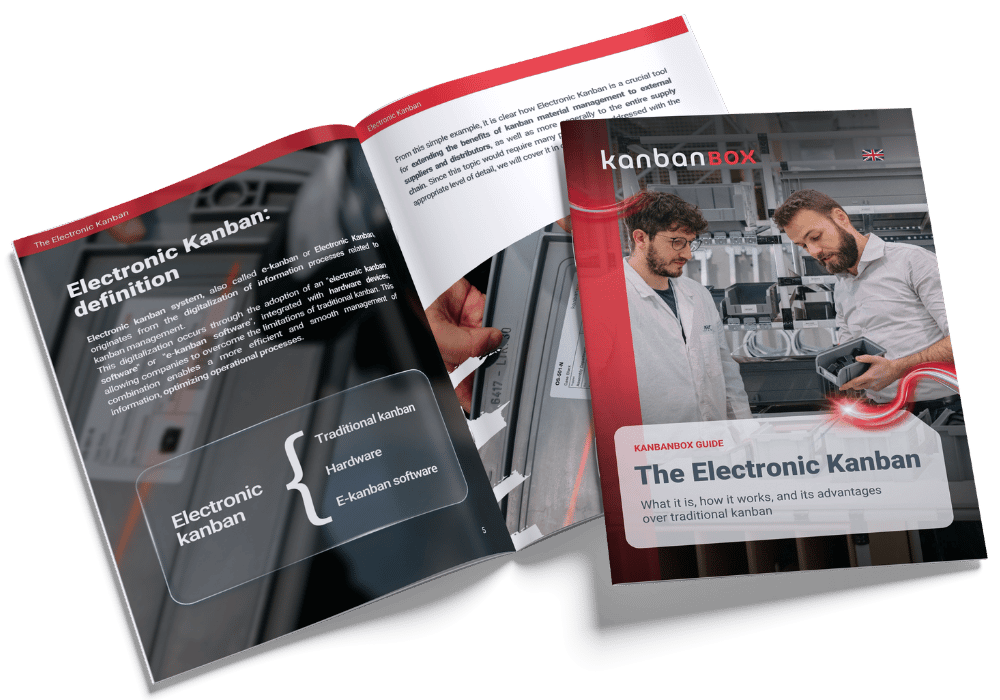
Download the Free Guide to Electronic Kanban
Want to dig deeper? Download our Guide to Electronic Kanban, with clear, concise explanations, diagrams and step-by-step processes.
Frequently Asked Questions About Electronic Kanban
Both trigger a material reorder only when the material is consumed. Traditional kanban uses paper cards delivered by hand; electronic kanban uses barcoded cards that, once scanned, instantly send the request to the supplier.
Yes. Electronic kanban, e-kanban, ekanban, digital kanban and digitized kanban all refer to the same system: kanban managed through software rather than with paper cards alone.
No. Electronic kanban manages kanban material reorders and integrates with your ERP, which remains the system for master data, orders and accounting.
No, you don’t need any special equipment beyond what you likely already have in your company. All you need are printers to print barcoded kanban cards, devices to scan them (such as smartphones, handheld terminals, or barcode scanners), and internet-connected screens.
Additional technologies, such as RFID and electronic shelf labels, are optional.
Manufacturing and distribution companies that manage many part numbers with recurring consumption, operate across multiple departments or plants, or need to coordinate external suppliers.