Kanban Inventory Management: what it is and how it works
By Matteo Biagini
What is kanban material management?
Kanban material management (or simply Kanban) is a production management method developed by Taiichi Ohno, the industrial engineer who revolutionized the Toyota Production System and helped turn the Japanese car manufacturer into the industry leader we all know today.
It is a method that delivers significant benefits, including reduced inventory and lower risk of stockouts, shorter lead times, and orders pulled by actual demand, helping avoid waste and overproduction.
Which production or business processes can kanban material management be applied to?
Kanban inventory management system isn’t limited to manufacturing: commercial businesses can also adopt the method, since it can be applied to different industrial processes:
- Production Kanban, to manage material flow between production phase, preventing overproduction and ensuring that workstations are supplied just in time
- Purchase Kanban, to optimize the supply chain activities by replenishing materials based on consumption, reducing the risk of stockouts and overstocking
- Move kanban, to ensure smooth internal logistics between warehouses and departments or work cells
- Distribution/Sales Kanban, to coordinates at best the distribution of finished products to distributors or final customers, ensuring timely replenishment and delivery.
Companies can choose to adopt one or more type of Kanban or all of them (e.g. purchase only, production and movement…) as well as the items to which apply Kanban. The choice depends on various factors, including the type of product processed, consumption frequency and business needs.
How does Kanban inventory management work
The Kanban inventory management system revolves around several key components:
- Customer and supplier processes
- Standard containers
- Kanban cards
- Material replenishment with Pull system
Supplier process and customer process
Each Kanban-managed material requires clearly define “customer” and “supplier” processes:
- Supplier, or supplier process: actor in the material flow responsible for replenishing the requested material. It can be external (e.g. company or other plant) or internal (e.g. warehouse, production department, etc. in its own plant)
- Customer, or customer process: actor in the material flow that owns the material in stock and, upon consumption, recalls it. As with the supplier process, it can be internal or external.
For example, in a suitcase manufacturing plant, the “Handle Assembly” workstation needs handles from the “Central Warehouse”. To continue the flow, the assembled handle will be transferred to the “Finished Product Assembly” cell, where the assembled handle will be assembled on the body of the suitcase.
In this case, the customer-supplier relationship is the following:
| Kanban-managed material | Supplier process (who supplies it) | Customer process (who receives it) |
|---|---|---|
| Handle | Central Warehouse | Handle Assembly |
| Assembled handle | Handle Assembly | Finished Product Assembly |
Standardized containers
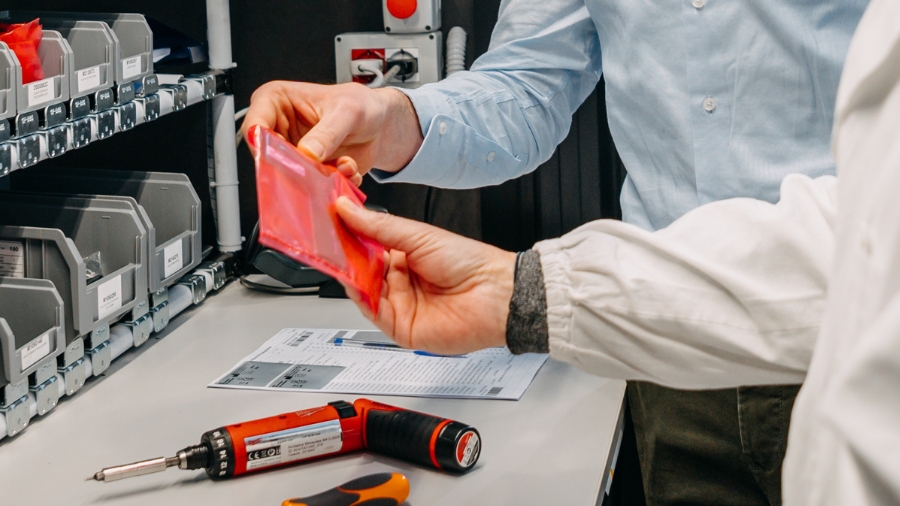
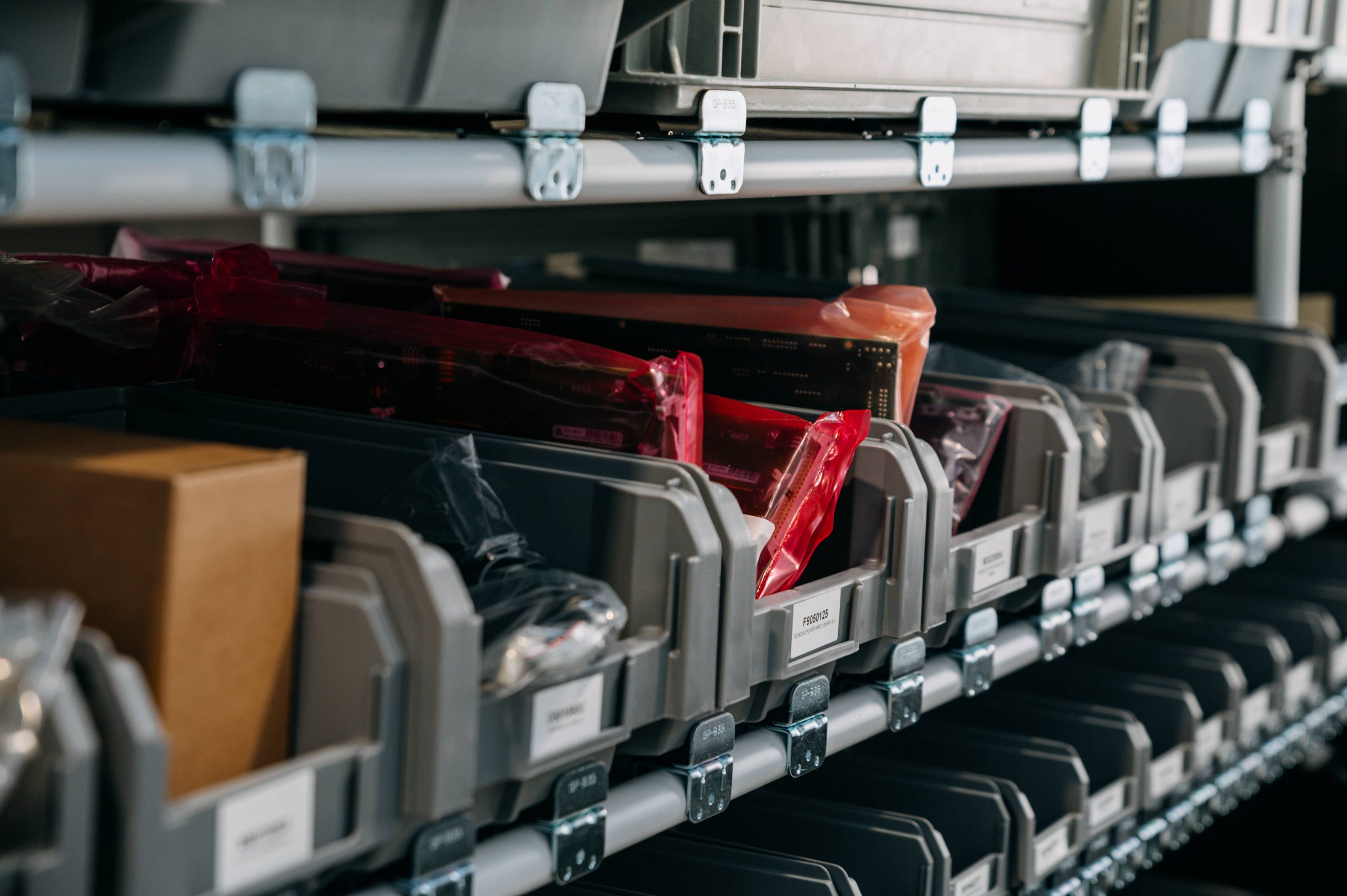
Kanban-managed materials are organized in standardized containers.
These can be the typical rectangular boxes but also carton boxes and other containers of different sizes and materials based on the type of item managed.
In the case of bulky materials (e.g. sheet metal, glass panels, industrial cables) the containers are represented by crates, reels, pallets or other units.
When selecting the container, you must also establish the standard quantity that will go inside for each material.
| Kanban-managed material | Container | Customer process (who receives it) |
|---|---|---|
| Handle | Yellow tray type A | 12 handles |
| Spring | Yellow tray type A | 100 springs |
| Casket body | Large box type G | 1 case body |
| Metal sheet | Europallet | 40 sheets |
Kanban cards
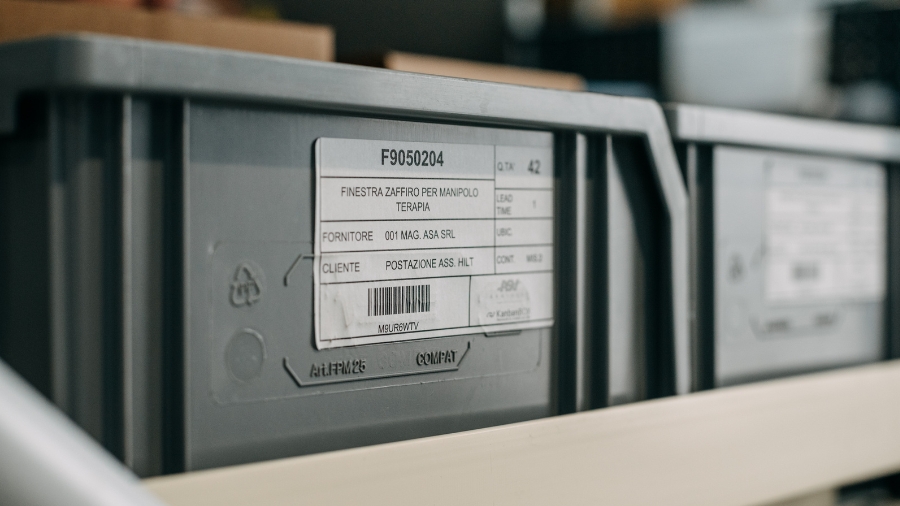
On the external surface of each container there is a card attached. This card, called “kanban card” or “kanban”, displays a summary of the information needed to replenish its content. The kanban card is attached on the container via hook, inserted in a transparent pocket or, if printed on adhesive labels, applied directly on the container
| Type of information | Example |
|---|---|
| Item code | X1N3401 |
| Item description | Handle for large suitcase |
| Quantity of items present in the container | 12 |
| Type of standardized container | Yellow tray type A |
| Name and/or supplier code | MC1 – Central Warehouse |
| Name and/or customer code | AM3 – Handle Assembly Cell |
| Lead Time (delivery times) | 1 day |
| Possible barcode to digitize the transmission of the information contained in the kanban card |
Kanban cards are the backbone of the Kanban Inventory system. The word Kanban itself, which translates into “visual signal” in Japanese, refers to these cards which visually triggers replenishment when needed. Let’s see how it works.
Materials replenishment with Pull system
With the simplest version of Kanban inventory management (there are different types), the material is reordered only when the operator picks up the last piece from the container in use: once the last piece has been picked up, the operator must detach the kanban card on the now empty container and deliver it to the supplier process. The supplier will restore the consumed material according to the information reported on the card itself (e.g. quantity of pieces, container and to which it must be delivered).
Referring to our example, material replenishment with Pull system consists in a very simple sequence of operations.
- The operator removes the last handle from the yellow container type A.
- The operator detaches the Kanban card from the now empty container and send the card to the supplier process, in this case the warehouse
- The supplier process, in this case the warehouse, prepares the container following the instructions on the kanban card and applies the Kanban card on the new container itself
- The container, with the replenished items and the attached Kanban card, is delivered to the customer process, the Handle Assembly cell
- The operator receives the containers with the handles… and the cycle repeat
As you can see, the supplier process starts replenishing the requested material only when necessary because requested (“pulled”) by the customer process that consumed that material. For this reason, Kanban Inventory management is a Pull production method. Pulling the supply based on actual consumption prevents the risk of overproduction and the accumulation of materials not needed at the time.
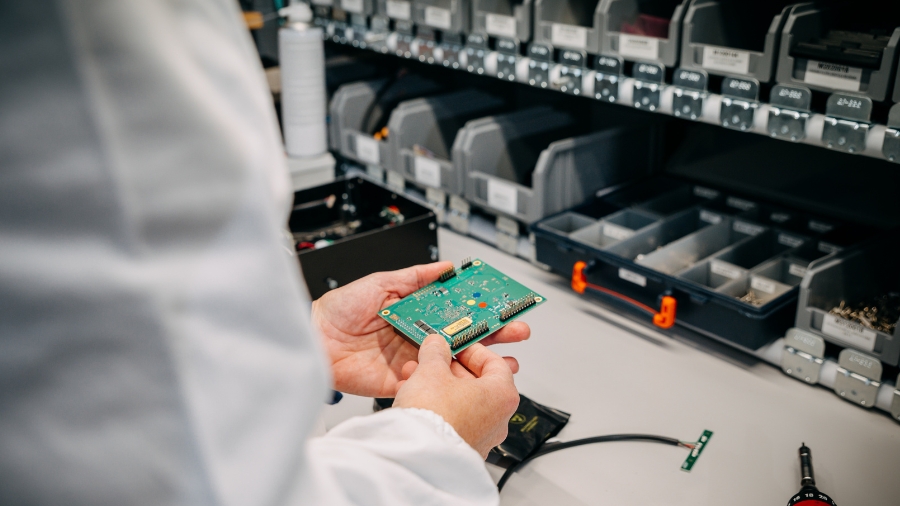
Kanban inventory Management Benefits: Less Inventory and Better Warehouse Management
Implementing a Kanban inventory management system, companies align production with actual demand and reach:
- Optimal inventory level, suited to operational needs and without excesses
- Significant reduction in overproduction
- Faster and more effective transmission of orders: the operator no longer needs to wait to receive instructions from his manager regarding what and how much to produce but infers it directly from the kanban cards received.
Important: the optimal inventory level may vary based on numerous factors, including minimum processing/purchase batches and material managing costs. These situations are effectively addressed by choosing the “Kanban management policy” best suited to the individual item (classic kanban, batch kanban, signal kanban or double bin).
We will discuss this topic in future articles, but the key point is the same: Kanban inventory management allows you to effectively reduce several problems of “classic” production methods, first and foremost overproduction and excess inventory.
Optimal kanban material management through digitalization
The process described above represents the non-digitalized version of kanban material management, which was also used by Toyota when digitalization was not yet widespread.
Today, kanban material management has become even simpler, faster, and more effective thanks to digitalization, which makes it possible to:
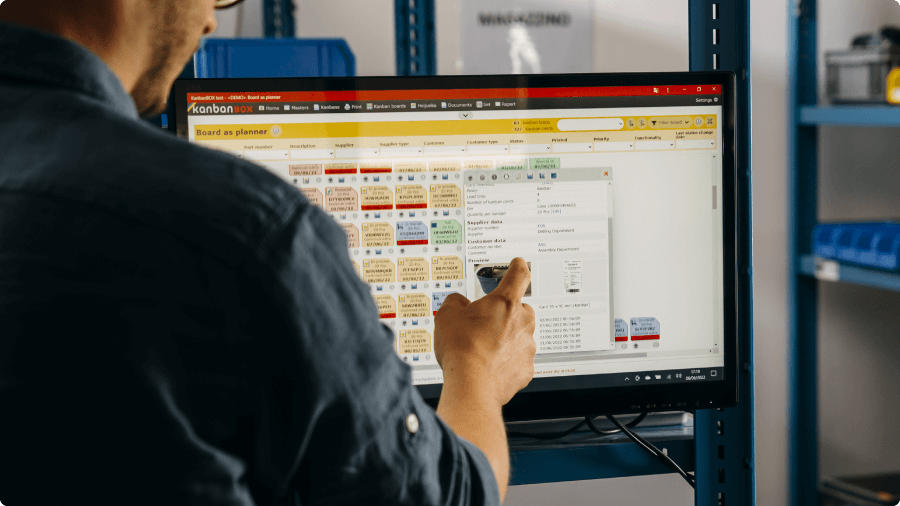
- Collect all information about materials managed with kanban in dedicated software, known as “electronic kanban software”, such as KanbanBOX
- Track every status change, recording when a material has been consumed and when it has been replenished
- Record consumption, peaks, and seasonal variations, making it possible to adjust inventory levels as needed
- View stock and order status in real time
- Digitalize the transmission of replenishment requests
- Automate the transmission of orders to suppliers when the minimum order quantity is reached
- Reduce Lead Times
- Integrate customers, suppliers, and subcontractors into the system
Let’s take a quick look at some of these benefits.
Real-time material flow monitoring
Thanks to its real-time updated dashboard, you have a complete view of the materials’ progress status at every stage of the process, which is essential to better coordinate the distribution of work and the use of machines for more efficient planning and allocation of resources.
Digitalization of replenishment orders
With KanbanBOX, the operators who have emptied a container will no longer need to physically detach and deliver the kanban card to the process supplier. They can simply scan the barcode on the card with a smartphone or scanner and the replenishment order will be immediately transmitted to the supplier process.
Automation of reorder requests from external suppliers
Without KanbanBOX, the Purchasing Manager must collect all the cards relating to a supplier, check whether they have reached the minimum order quantity as well as manually create a purchase order in the management software and send the relevant email to the supplier with the list of codes to be replenish, repeating the operation for all the numerous suppliers.
With KanbanBOX, the software records all the replenishment requests coming from the central warehouse or the production lines and, once the minimum order quantity has been reached, automatically sends the pre-authorized order requests. In addition, KanbanBOX can be integrated with your company management system, to keep the data aligned in real time on both systems.
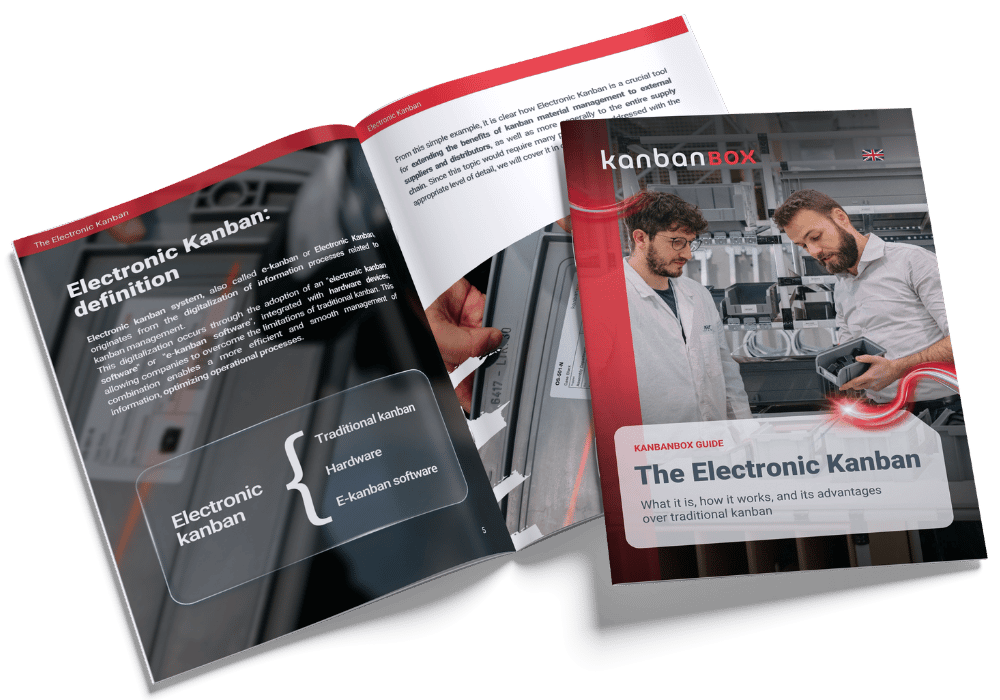
Download the free Electronic Kanban Guide
Want to better understand how electronic kanban software works?
Download our free Electronic Kanban Guide on this page.
Discover KanbanBOX, the Electronic Kanban software
Do you want to improve material, inventory, production, or purchasing management through kanban material management?
Take it one step further: discover KanbanBOX’s electronic kanban, the digital evolution of kanban that provides greater visibility, more control, and increased responsiveness across the entire supply chain.
- Average stock reduction of up to 42%
- Average lead time reduction of up to 71%
Discover what you can achieve with electronic kanban and KanbanBOX on this page.
Purchasing with procurement kanban
Optimize procurement based on actual consumption: reduce inventory, urgent requests, and manual activities while improving your relationship with suppliers.
Discover how to digitalize procurement kanban with KanbanBOX.
What is procurement kanban?Managing multi-stage production
Coordinate multiple production stages smoothly and synchronously, avoiding build-ups, delays, and material shortages between one stage and the next.
Discover how multiprocess kanban helps you manage complex production flows.
What is multiprocess kanban?Selling and distributing with sales kanban
Align sales and distribution with actual demand, improving customer service and reducing waste across the entire supply chain.
Discover how sales kanban works.
What is sales kanban?Are you considering kanban material management?
Case studies
Sacchi | Electrical Supply Distribution
Sacchi uses KanbanBOX to offer its customers a kanban-based sales service, ideal for recurring supplies and supports long-term customer loyalty
Oleodinamica Marchesini | Hydraulic valves
Oleodinamica Marchesini has optimized its production flow management by implementing multi-process kanban and pull production
Robopac | Packaging machines
With KanbanBOX, Robopac achieved a more integrated, responsive, and digitalized supply chain thanks to the integration with both external suppliers and SAP
BCS | Agricultural Mechanization
BCS moved from push to pull through E-kanban for suppliers, production, and internal flows. They now manage 6000 kanban loops across 3 plants
El.Co. | Industrial Electrical Automation
El.Co. has simplified the maintenance of kanbans with e-kanban, which was previously so onerous that the number of parts managed by kanban had to be limited
Orotig | Welding Industry
Orotig has implemented sequential pull in the company, optimizing multi-process production scheduling and supplier integration with KanbanBOX
Rossi SpA | Gearmotors and Electric Motors
Rossi Spa has digitalized the existing production and move kanban, then integrated it with its own ERP, with Oracle Sequencer and with suppliers
Aptiv | High-tech automotive systems
From the introduction of kanban to the transition to e-kanban. The Lean Improvement journey of the largest manufacturer of electronic interconnection systems for the automotive sector
References